
CRM Power Dialer Workflows
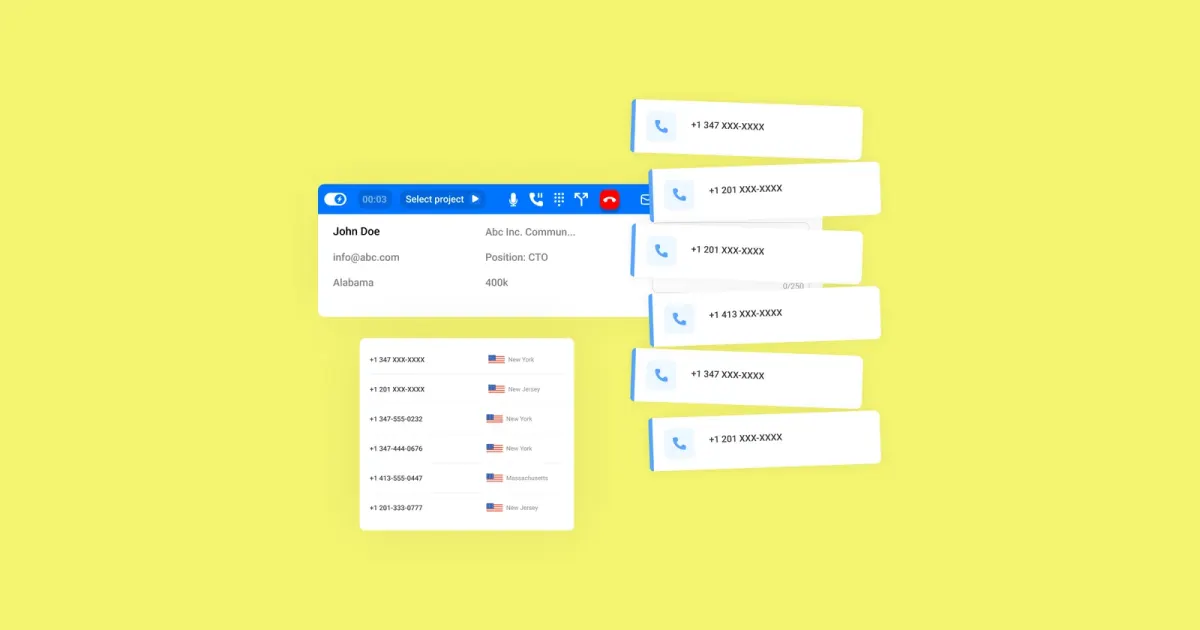
What this page covers
CRM Power Dialer Workflows
CRM power dialer workflows connect outbound calling with your CRM, so teams can queue calls, update records, and follow clear routing rules in one process. This reduces manual list handling and keeps daily calling more organised.
With the right setup, calls can be assigned using practical criteria such as agent availability, skills, lead status, or record conditions. That helps teams work through CRM-based calling tasks with better consistency and less admin work.
In brief
- CRM-linked power dialer workflows can automate call queues and scheduling, so reps spend less time preparing lists by hand.
- Workflows can route calling tasks based on agent skills, availability, lead status, or selected CRM record rules.
- CRM integration can log call activity and support follow-up steps such as sending materials or booking appointments after a call.
What to do
A useful CRM power dialer workflow starts by tying dialing activity directly to CRM records. This helps teams keep lead data, call queues, and rep actions aligned, while reducing the errors that happen when updates are managed across separate tools.
Once that connection is in place, workflow rules can control how calls move through the team. Common examples include automated scheduling, queue prioritisation, and assigning calls by availability, skills, or record-based conditions for a more structured outbound process.
The workflow can also continue after the conversation ends. CRM-integrated setups may log call details automatically and trigger next steps such as sending a sales deck, sharing a quote, creating a task, or supporting appointment-setting workflows.
What to keep in mind
The main value of CRM power dialer workflows is operational. They help keep calling activity, lead records, and follow-up work connected, instead of asking teams to manage each step separately and manually.
Results depend on how well the workflow rules match your sales process. Useful conditions may include excluding certain phone numbers, phone types, lead stages, or statuses, and routing calls according to rep availability or team rules.
If you need more advanced workflows, relevant options can include click-to-dial or auto-dial behaviour, CRM-based call logging, call recording on supported platforms, appointment setting, and post-call automation. The right setup depends on which of those elements matter to your team.